Your destination link stays clean
Many QR generators append tracking tags that create extra data trails. Pure QR Code leaves those extras out, so the URL you share stays the URL you meant to share.
Trust Over Tricks
Pure QR Code does one job well: it creates clean QR codes on iPhone without hidden redirects, extra tracking parameters, or a required account. It keeps the path from link to scan straightforward and uses the iOS sharing and browser tools people already know.
Many QR generators add tracking parameters or send scans through domains you never chose. Pure QR Code keeps things straightforward with clean links, no surprise redirects, and familiar iOS tools for sharing and browsing.
Many QR generators append tracking tags that create extra data trails. Pure QR Code leaves those extras out, so the URL you share stays the URL you meant to share.
Some apps and QR sites send scans through extra redirect steps before the final destination. Pure QR Code is built to avoid that pattern, so people land where they expect without surprise hops in between.
Sharing and printing go through familiar iOS system tools, and link testing opens in your default browser environment. That keeps the process simple and avoids unnecessary app-side detours.
Generate and verify quickly without distraction, popups, or ad clutter.
No login wall and no account funnel. Open the app and create.
Your saved QR codes stay on your iPhone under your control.
Run a quick in-app scan check to make sure your QR code goes where you expect before anyone else uses it.
Store QR codes directly on your iPhone and attach notes so future-you can quickly find the right code and context.
Use iOS share and print tools to send polished QR codes without awkward export steps or extra handling inside the app.
From first paste to final scan, each step keeps intent visible and verification easy.
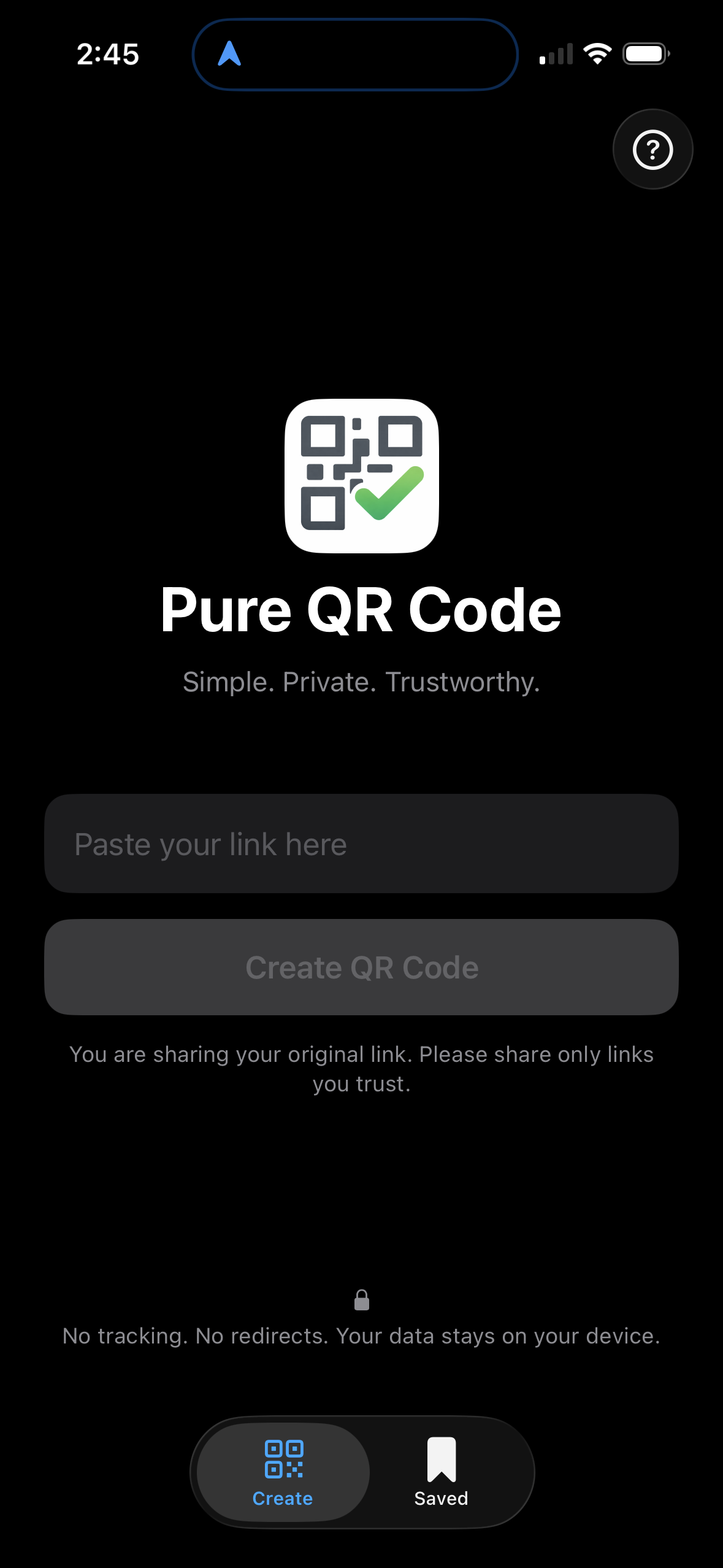
Paste a URL and generate a clean QR code in seconds.
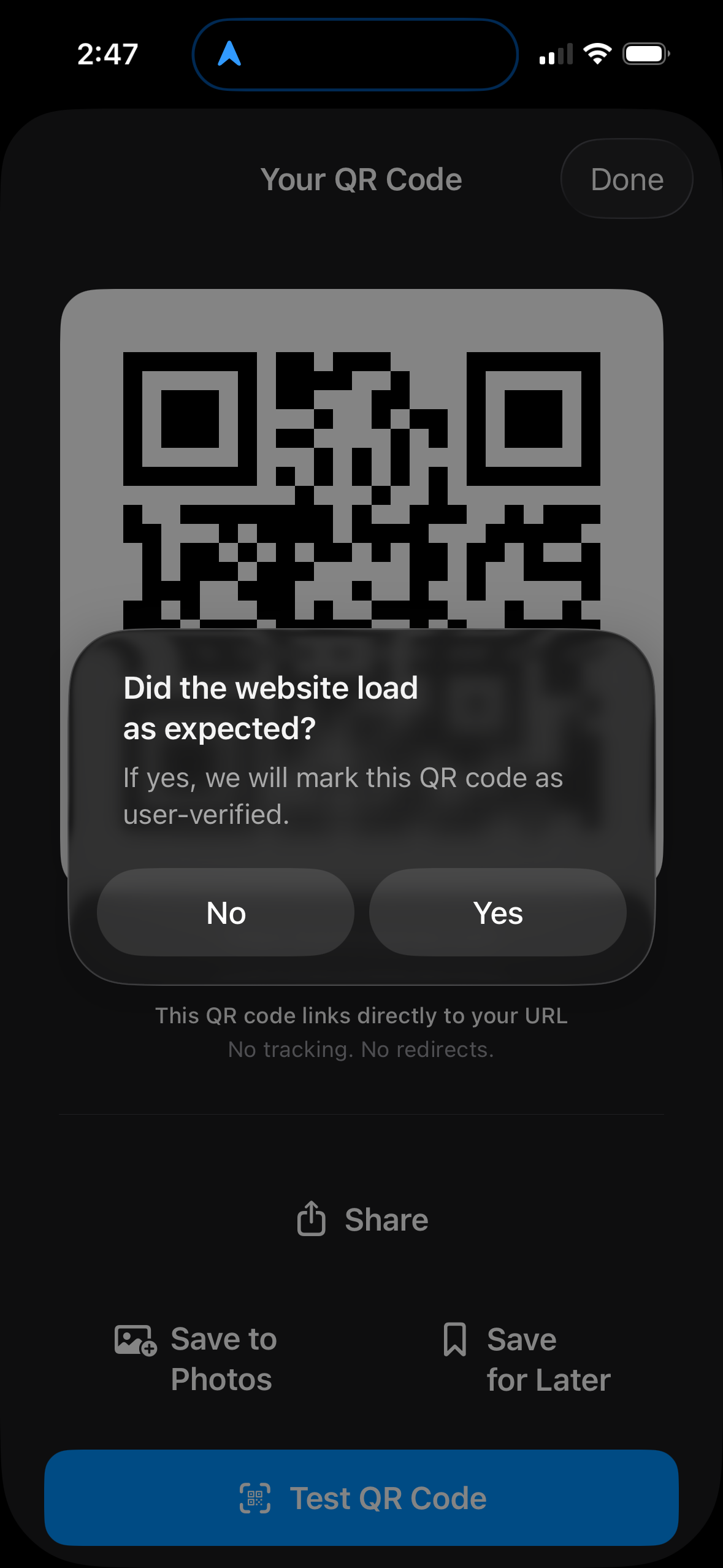
Rescan in-app to confirm the link goes where it should before you publish it.
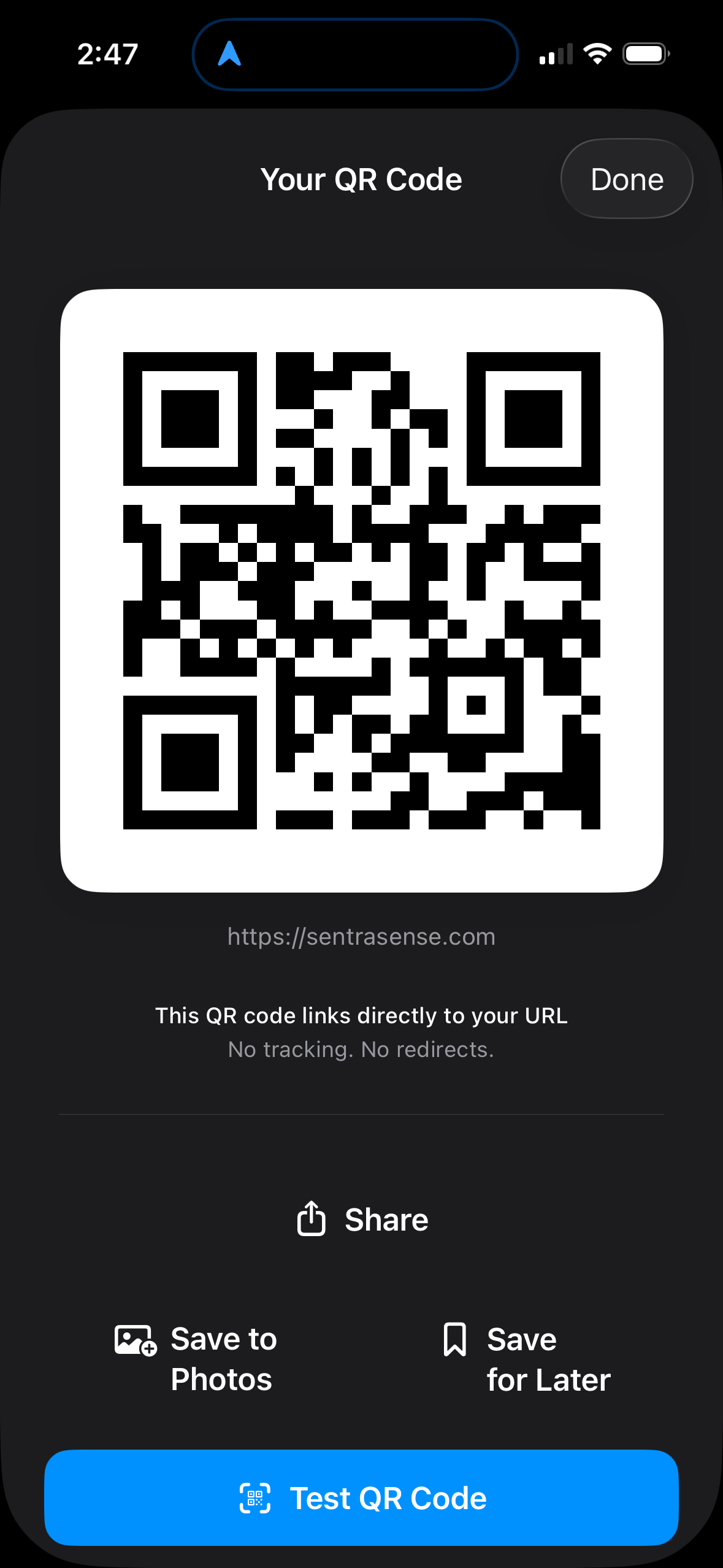
Review, share, save, or print from one focused screen.
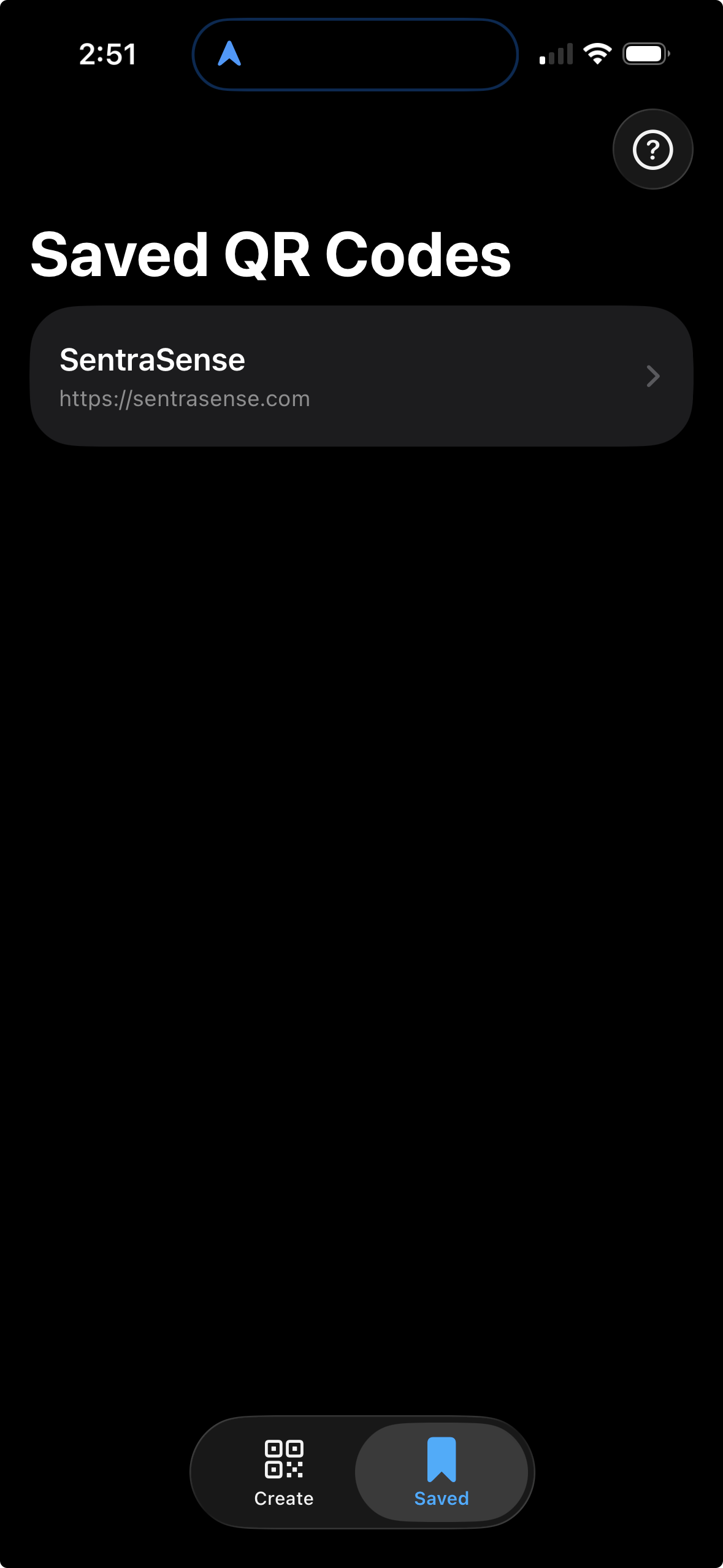
Keep frequently used codes ready for reuse without cloud dependency.
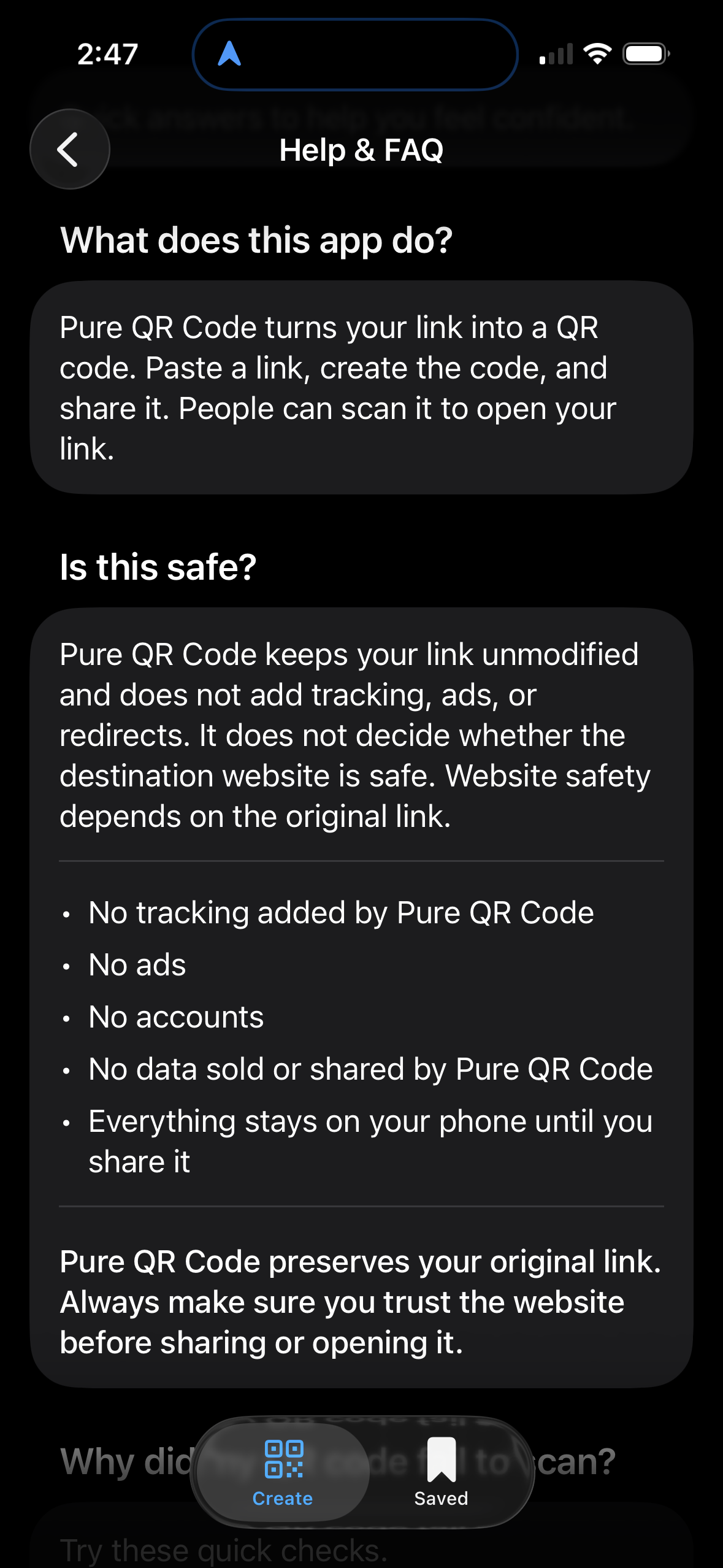
Fast answers when you need troubleshooting or step-by-step guidance.
Pure QR Code helps you catch bad links before you send them. It keeps things simple: no app-added trackers, no surprise redirect hops, and sharing through the iOS tools people already use.
No. Pure QR Code is built to keep your links clean, without app-added tracking parameters or hidden redirect chains.
Generate your code, run the in-app test, and confirm it goes where you expect before you share or print it.
Yes. Pure QR Code supports local on-device storage so your saved codes remain under your control.
Pure QR Code is for business owners, event planners, restaurants, retailers, and anyone who wants a simple, trustworthy way to create QR codes on iPhone.
Pure QR Code charges upfront so the business model stays simple and aligned with the user. Many free QR apps make money through ads, analytics SDKs, account funnels, or extra tracking around the links you create. We would rather charge a clear price and keep the app focused on private, straightforward QR creation.